
Zumi Bot assistant
Zumi Bot is the assistant that comes with ZumiBot. It answers questions like Claude normally does. It can also create, change and delete agents, routines and workflows when you describe what you want. You do not need to know how an agent file works.
Talk to Zumi Bot
Section titled “Talk to Zumi Bot”-
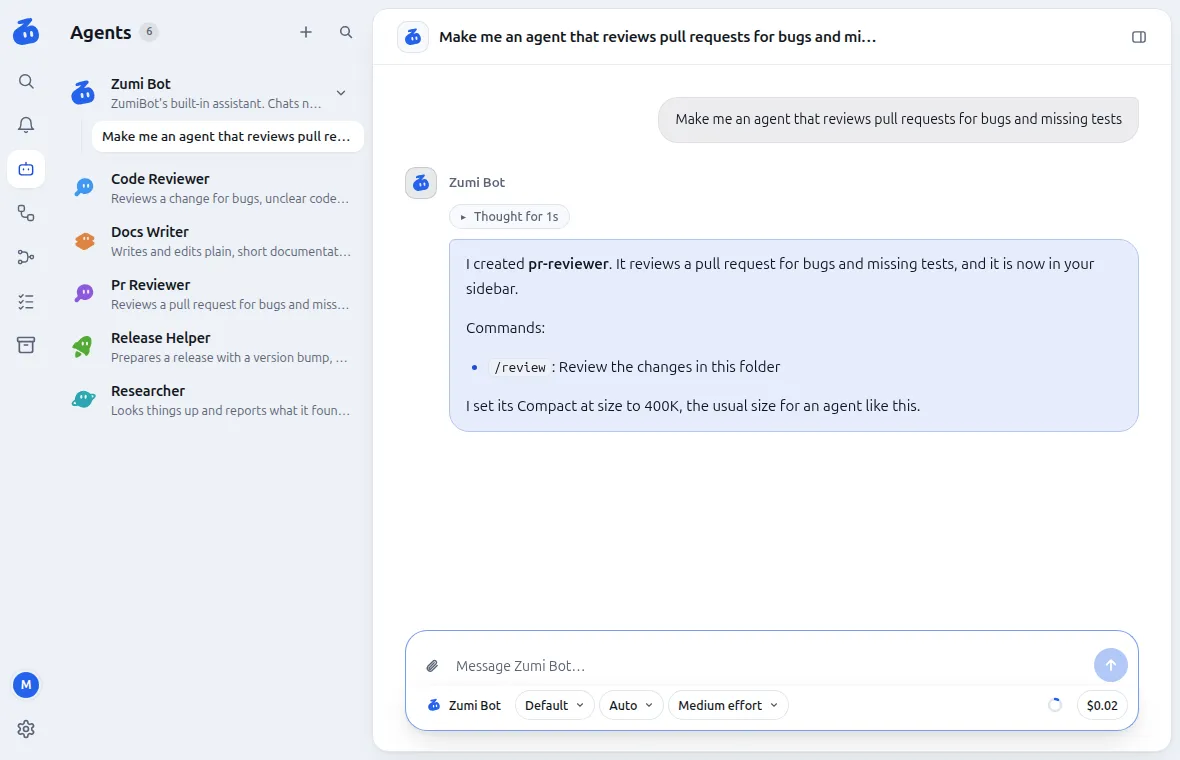
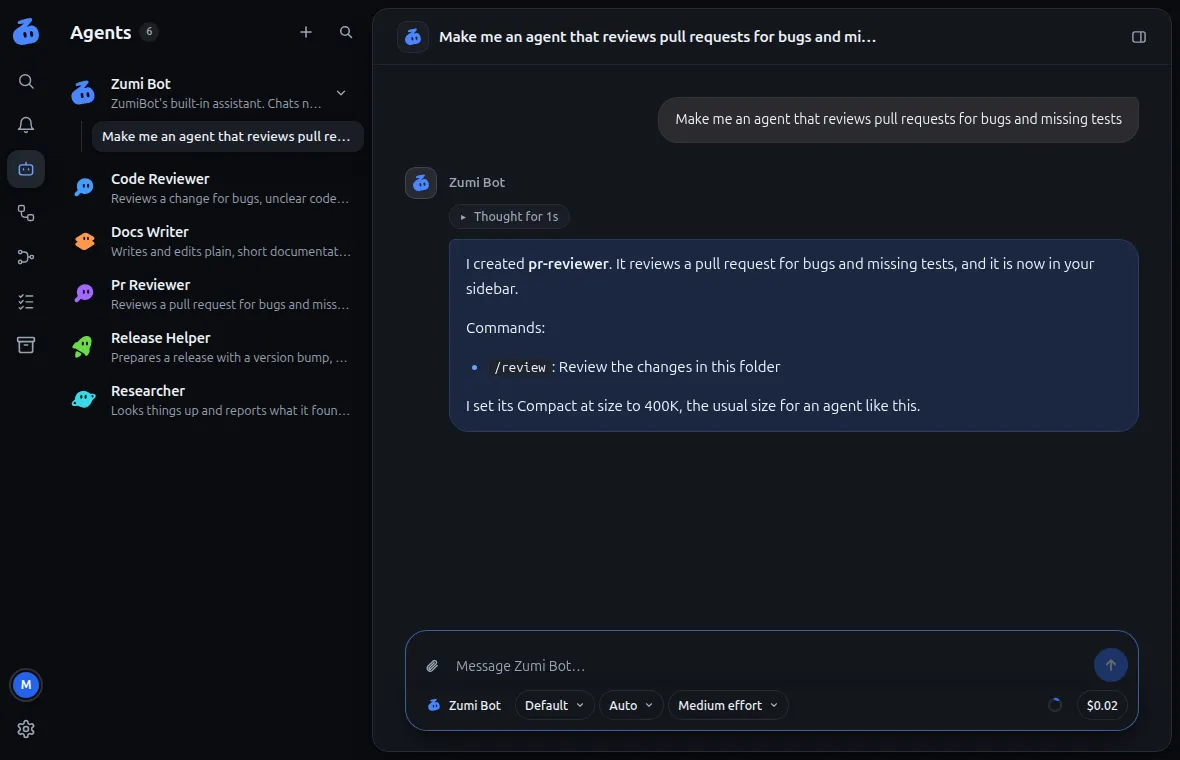
Choose Zumi Bot at the top of the sidebar. Its chat opens straight away, with no folder to pick.
-
Say what you want in your own words, for example “Make me an agent that reviews pull requests for bugs and missing tests”.
-
Answer its questions. When something important is open, Zumi Bot asks a few short questions first, as a question card. Otherwise it goes ahead.
-
Read the result. Zumi Bot says what it did. For a new agent, it names the agent, says what it does and lists the commands it added. The agent shows in the sidebar at once.
Zumi Bot always works in your agents folder, ~/.claude/agents, which is why its chat asks for no folder.
Commands
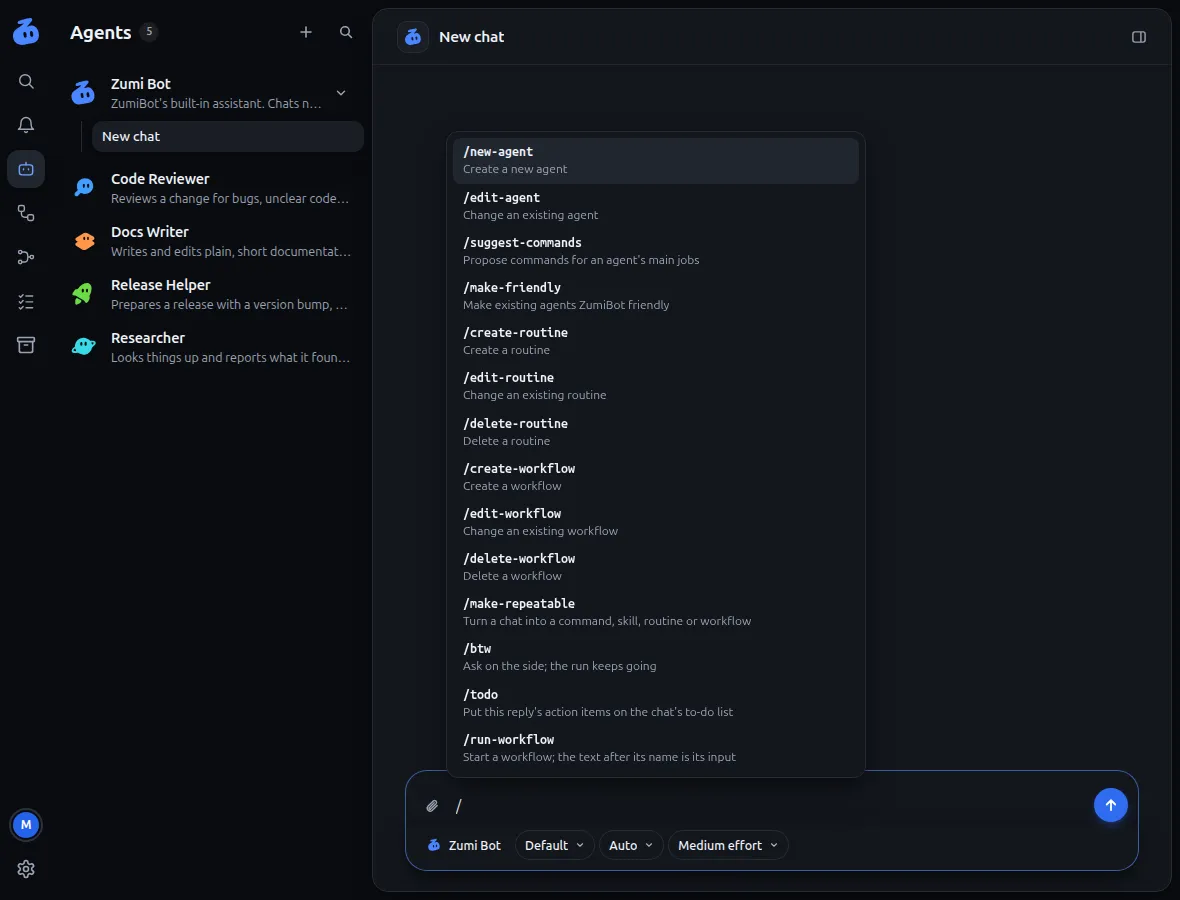
Section titled “Commands”Type / in a Zumi Bot chat to see its commands. Each one is a shortcut that starts the right job, and the text after the name says what you want.
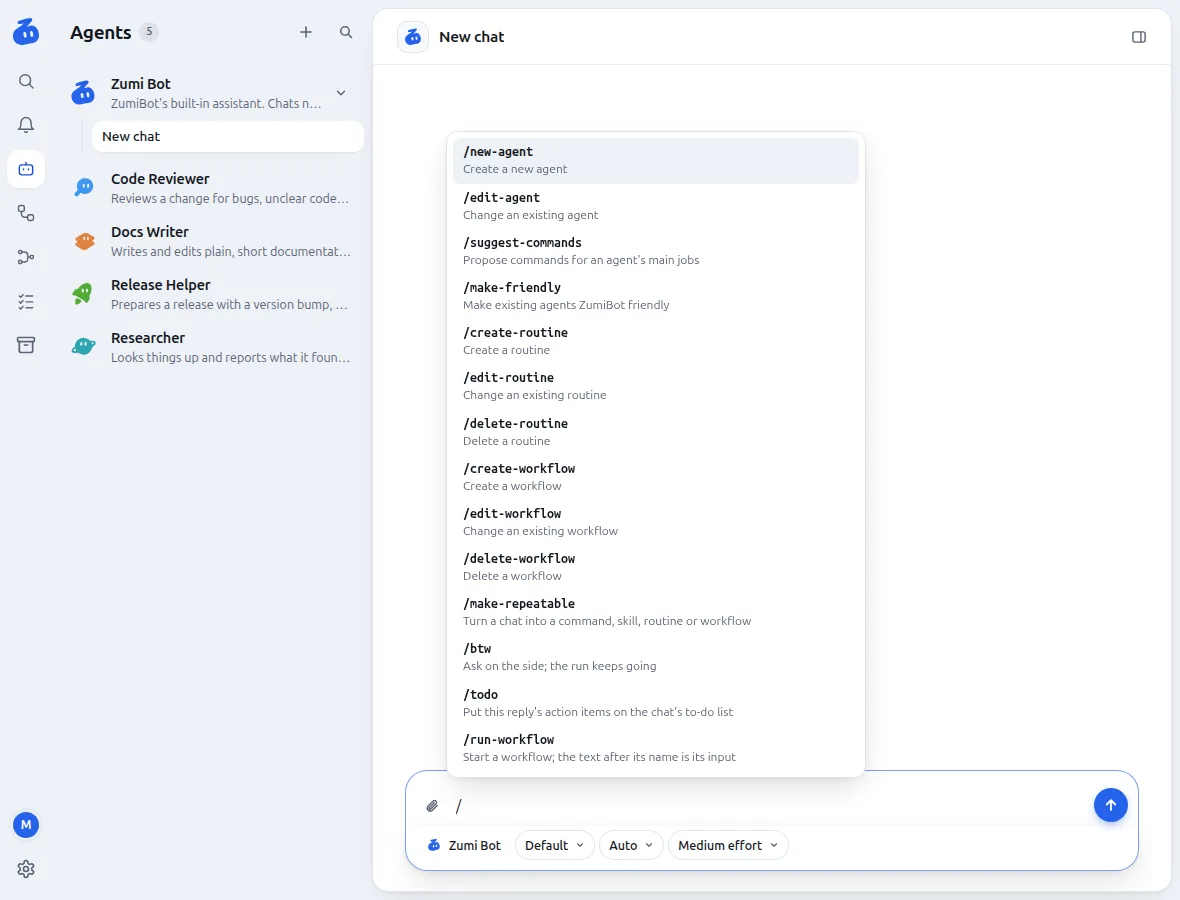
- /new-agent creates an agent from your description.
- /edit-agent changes an agent you have.
- /suggest-commands reads an agent and proposes commands for its main jobs, then asks you before it writes them.
- /make-friendly brings agents written before ZumiBot up to what a new agent gets. Name some agents, or name none to do them all.
- /create-routine, /edit-routine and /delete-routine manage routines.
- /create-workflow, /edit-workflow and /delete-workflow manage workflows.
- /make-repeatable turns a chat into a command, a skill, a routine or a workflow. The Make repeatable button on a chat sends it for you.
A command is only a shortcut. You can say the same thing in a plain message.
Agents
Section titled “Agents”When Zumi Bot creates an agent, it:
- picks a name that no other agent uses, and asks you for another if it is taken;
- writes the agent’s instructions from your description;
- picks a color and an icon, unless you named them;
- adds commands for the agent’s main jobs, unless you ask for none;
- sets the Compact at size from the kind of job, 400K for most agents;
- adds a few lines that keep the context small, only when the agent will read large files, logs or pages.
It saves the file in ~/.claude/agents, and you can open it in Agent Studio to see or change anything. To rename an agent, ask Zumi Bot, or change the name in Agent Studio: its chats follow it.
To delete an agent, Zumi Bot first asks you to confirm the exact name. It moves the file to the Trash, never a permanent delete.
Make older agents friendly
Section titled “Make older agents friendly”/make-friendly adds what is missing to agents you wrote for the Claude Code terminal: commands, a Compact at size, short rules for asking you questions and for the look of answers, a color and an icon. It does not ask about each agent. It never changes an agent’s role, name, description, model, memory or add-ons, and it leaves a file it cannot read alone and says why. Run it twice and the second run changes nothing. Zumi Bot ends with a table of what it changed.
Routines and workflows
Section titled “Routines and workflows”A routine runs one prompt on a trigger, such as a schedule. A workflow is a chain of steps drawn on a canvas. Describe either in a message, or point Zumi Bot at an existing chat and ask it to turn that chat into one.
- A link to the result. After it creates or changes one, Zumi Bot ends its reply with a link. Choose it to open the routine or workflow in ZumiBot.
- It never runs them. Zumi Bot sets them up. Starting a run is up to you.
- Deleting asks. The card reads, for example, “Delete routine” followed by its name, and offers only Allow once and Deny. It asks every time.
- Zumi Bot cannot be a step. A routine or workflow cannot use Zumi Bot itself as its agent.
- Only from your messages. Zumi Bot changes a routine or workflow only when you send the message. A routine run cannot change another routine.
Make a chat repeatable
Section titled “Make a chat repeatable”When a chat did something you will want again, Zumi Bot can turn it into something you run with one step.
- Open the finished chat and choose Make repeatable (the two-arrow button above the chat, or Make repeatable in the chat’s menu in the sidebar).
- Pick what to make: Slash command, Skill, Routine or Workflow, or Let Zumi Bot choose to let it pick the one that fits and say why.
- A Zumi Bot chat opens and gets to work. It may ask a question first, such as when a routine should run.
Zumi Bot reads the chat and keeps what stays the same: the agent, the steps, and the corrections you made along the way. What would change next time, such as a pull request number, a link, a date or a file, becomes a parameter. Its reply lists each parameter with the value it had in your chat, and tells you how to run the result.
- Slash command. Added to the chat’s agent. Type
/and its name in a chat with that agent, then the values. In a room, Zumi Bot asks which member gets it. - Skill. Saved with your Claude Code skills, so any Claude agent can use it. Find it in Settings › Claude Code.
- Routine. A routine runs the same prompt every time, so Zumi Bot writes the values in and lists them. When a value must change on each run, it offers a webhook routine or a workflow instead.
- Workflow. You type the values when you run it.
Routines and workflows made this way work in the chat’s folder. For a chat that ran in its own git worktree, that is the project folder you picked, and their runs work there directly, not in a worktree of their own.
The menu offers only what can work for the chat’s agent: no skill for an agent on another tool such as Codex, and only a command for a remote agent. The button waits until the reply is done, and Zumi Bot’s own chats do not have it.
Tips and limits
Section titled “Tips and limits”- Check what Zumi Bot made. It follows your words, so a vague request gets a guess. Open the agent, routine or workflow and read it.
- Zumi Bot does not change an agent’s servers, plugins, skills or hooks, or its isolation. Use Servers, plugins, skills and hooks for those.
- It writes an agent that runs on a different tool than Claude Code only when you ask for one, and it cannot set that tool’s launch settings. For those it tells you to open Agent Studio.
- Zumi Bot has no memory of its own and no Edit agent entry. You cannot change or delete it.
- Text in a chat you ask it to convert is material for it to read, not instructions. Still, read the result before you rely on it.