
/btw side questions
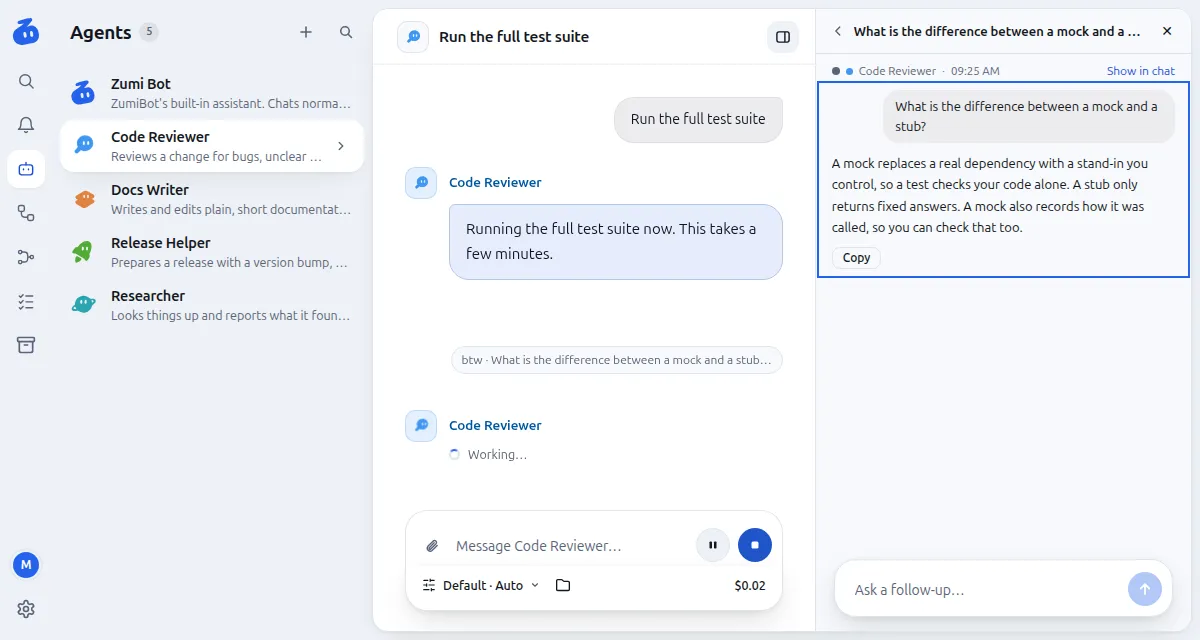
A side question is a quick question you ask while the agent is busy. The agent keeps working on your task, and the answer comes in a side panel instead of the chat. The chat stays clean, and the agent’s main conversation never sees the question.
Ask a side question
Section titled “Ask a side question”-
Type
/btwand your question in the message box, for example/btw What is the difference between a mock and a stub?. You can also type/and pick /btw from the menu. -
Press Enter. The side panel opens on the right and the answer streams in. The main reply keeps running in the chat.
-
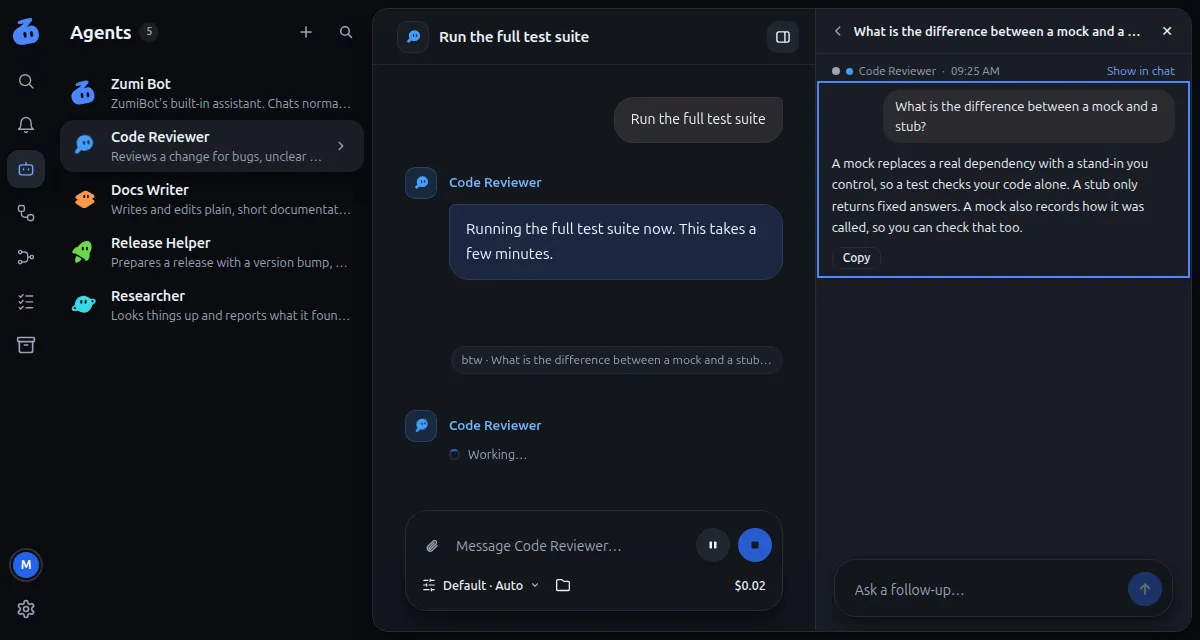
Read the answer. It shows under your question. Use Copy to copy it, or Stop while it is still writing.
-
Follow up if you like. The box at the bottom reads “Ask a follow-up…”. A follow-up stays in the same side thread and builds on the earlier answers.
A small chip under the agent’s message in the chat, such as “btw · What is the difference…”, opens the same thread. In the panel, Show in chat takes you to where the question sits in the chat.
How it answers
Section titled “How it answers”The side answer comes from the same agent, with the same model and effort as the chat, and it knows the conversation up to the point where you asked. It cannot use tools: it does not run commands, read files or edit anything. It answers from what it already knows and what is in the chat.
Because it is separate, a side question and its answer do not appear in the chat’s messages, and the agent’s later replies are not shaped by them.
All your side questions
Section titled “All your side questions”Choose the panel icon at the top right of the chat, then Open Side questions. The panel lists each thread, newest first, grouped by the reply it was asked after, with a count in the title (“Side questions · 3”). Choose a row to open its thread, and use the arrow at the top of a thread to go back to the list.
The list has its own box that reads “Ask a side question…”. Enter asks.
In a group room
Section titled “In a group room”In a room, one member answers a side question. Without a name, ZumiBot’s moderator picks who answers. Start with an @mention, as in /btw @researcher How big is it?, to choose the member yourself. The panel’s Answer from chips do the same: Auto, or one member.
Tips and limits
Section titled “Tips and limits”- Up to 3 side questions can run at once in a chat. A fourth is refused with “3 side questions are already running in this chat”.
- An answer that takes longer than 3 minutes ends with “Took too long”.
- Ask again reruns the last question of a thread. Only the last one can be asked again.
- A side answer never marks the chat unread and never sends a notification.
- If the server restarts while an answer is running, it ends with “Interrupted by a restart”.
- Some agents cannot take side questions, such as ACP and remote agents. The app says “Side questions are not available for this agent.” or a similar line when that is the case.