
Agent asks
In a single chat, an agent can ask another agent for help while it works on your message. The other agent runs in its own chat, answers, and the first agent carries on with that answer. You see the ask as a card in the reply, and you can open the conversation behind it.
This is different from a group room. In a room you talk to several agents at once. With an ask, you talk to one, and that agent decides to call in a colleague. It only works in single chats, not inside a room.
Ask another agent
Section titled “Ask another agent”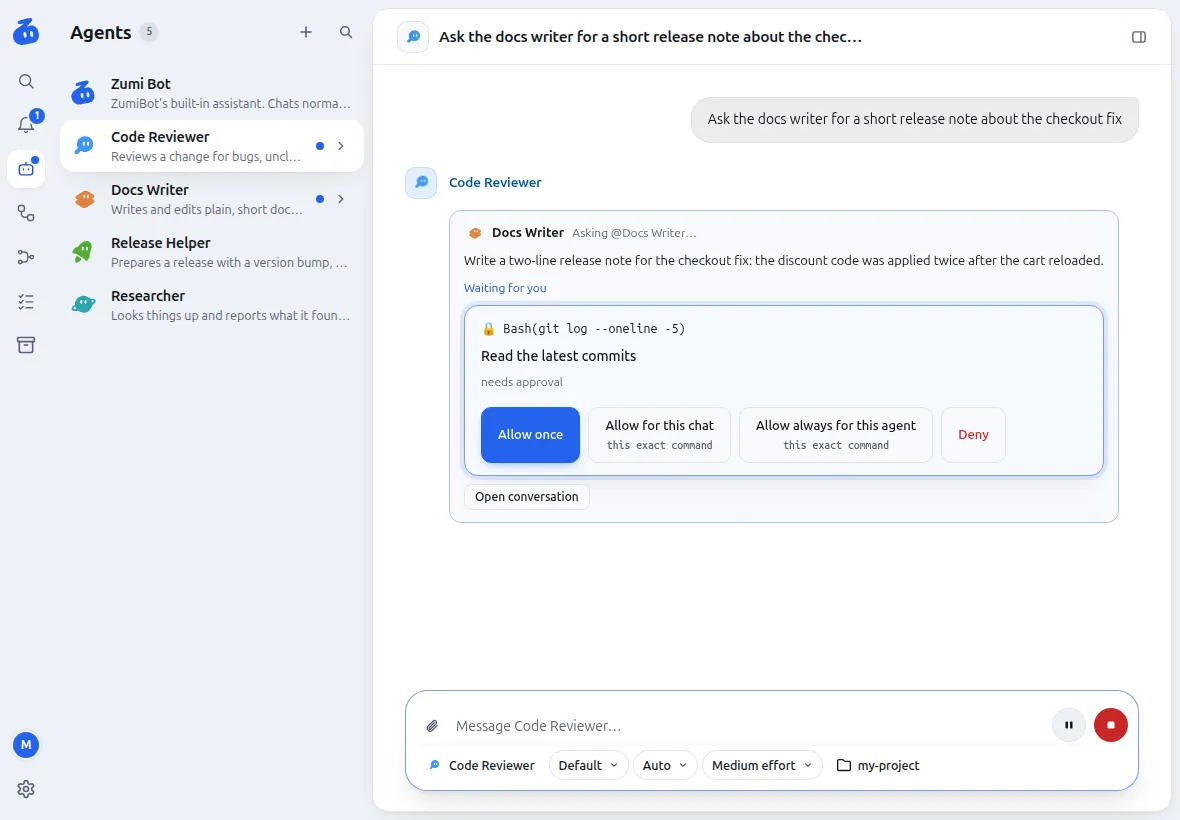
-
Tell your agent whom to ask. Write it in plain words, such as “Ask the docs writer for a short release note about the checkout fix”. Type
@in the message box to see the agents your agent can ask. The text you write is sent as you typed it, and the agent decides what to ask. -
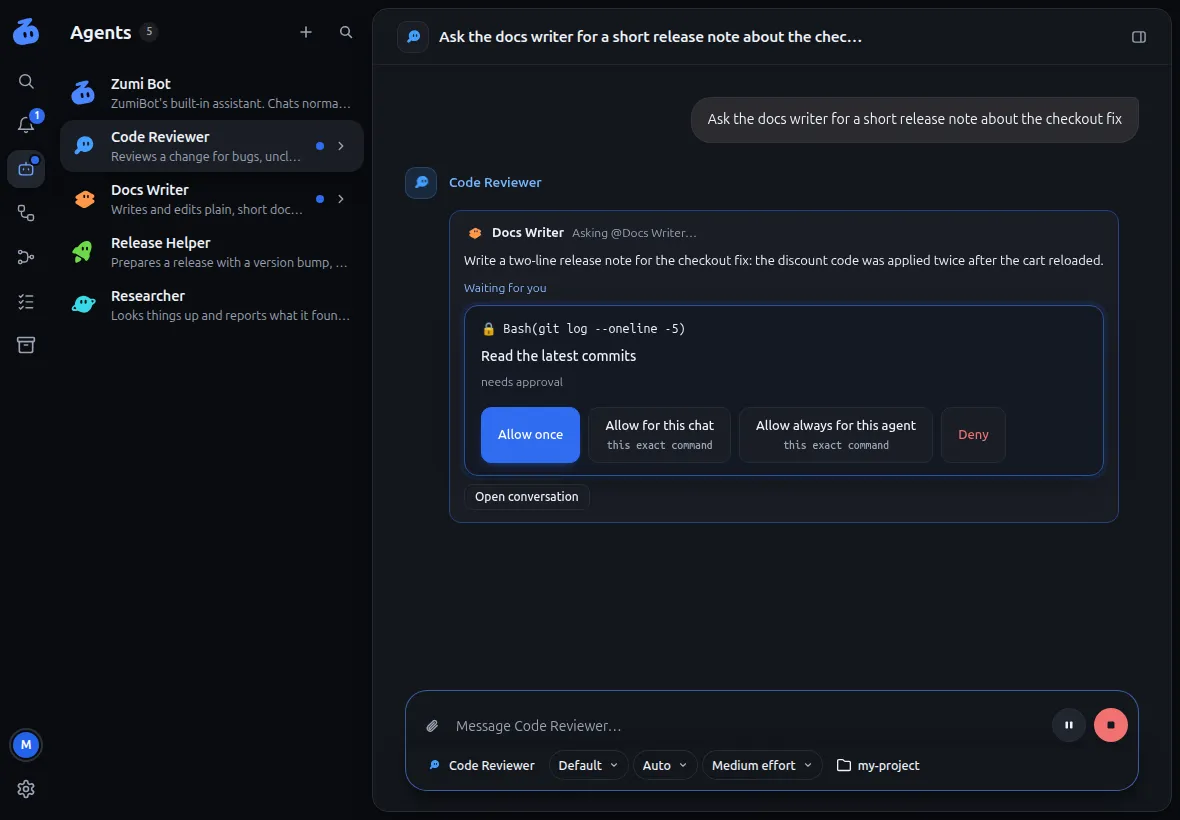
Watch the ask card. It names the agent that was asked, shows the message your agent sent (use More to read a long one) and a status: “Working…”, “Waiting for you”, “Done”, “Failed” or “Stopped”. While it runs, the heading reads “Asking @Docs Writer…”. When it ends, it reads “Asked @Docs Writer”.
-
Answer what the asked agent needs. If the asked agent wants to run a command or needs you to approve a plan, the card shows the same approval card you know from any chat, right inside the ask card. The status reads “Waiting for you”. Answer it there. If more cards wait deeper in a chain of asks, the card says “More approvals wait further down the chain. Open the conversation to answer them.”
-
Read the answer. When the status reads “Done”, choose Show reply to see what the asked agent wrote, and Hide reply to fold it. After a failure the same button reads Show details.
-
Open the conversation. Open conversation takes you to the asked agent’s chat.
The asked agent’s chat
Section titled “The asked agent’s chat”Every ask opens a chat for the asked agent. It sits under that agent in the left column, with a name that starts with the asker, such as “@Code Reviewer · Ask the docs writer…”. The next ask from the same chat to the same agent goes into the same chat.
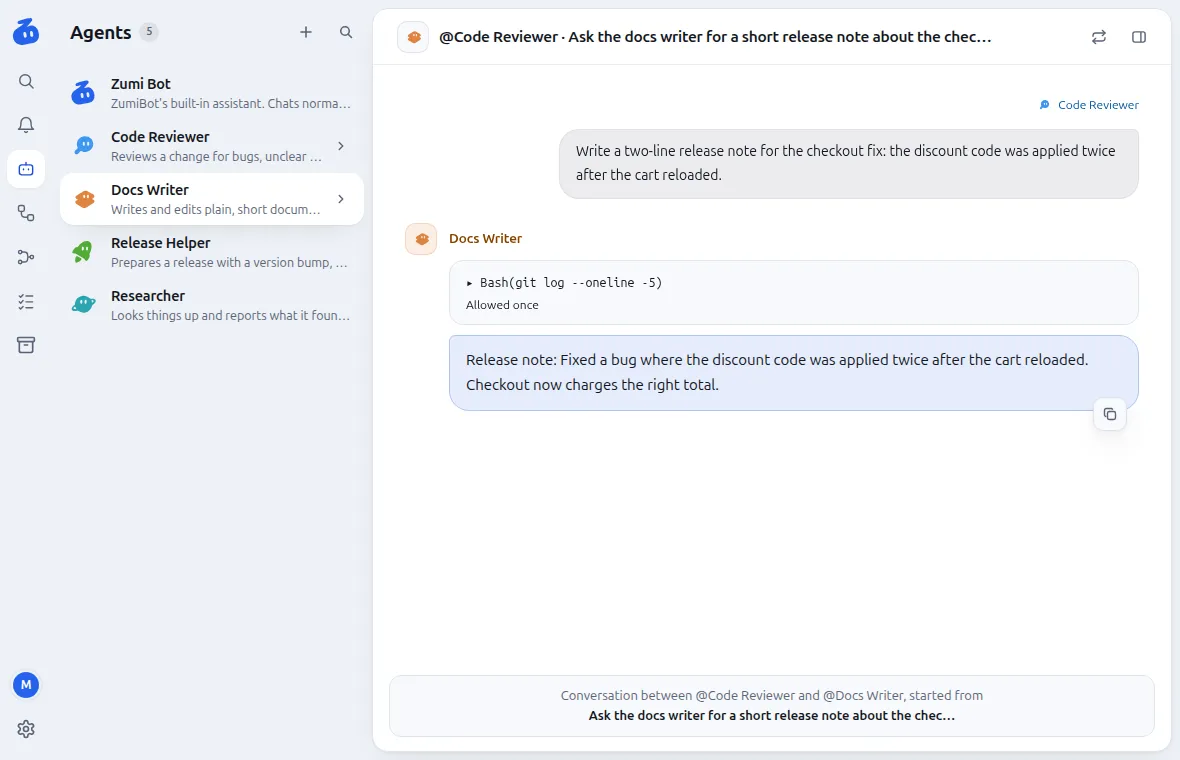
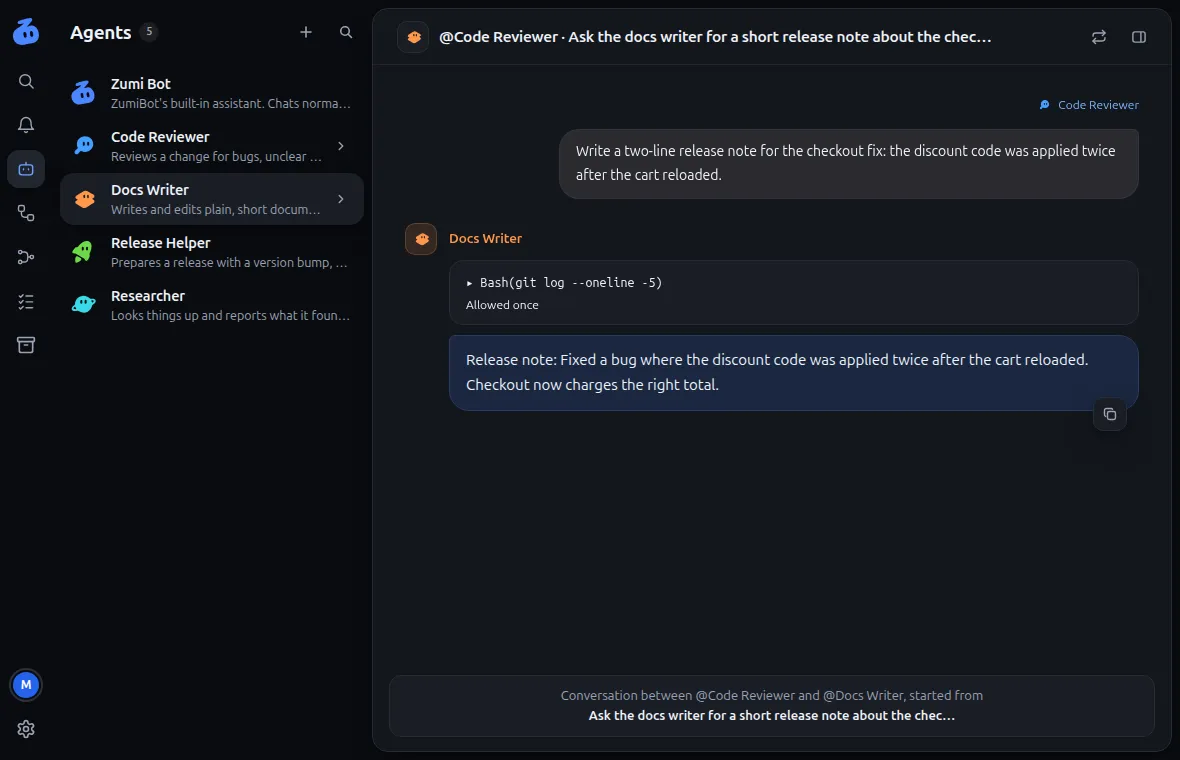
This chat is for reading. You cannot send, edit, resend or fork in it, so a bar replaces the message box: “Conversation between @Code Reviewer and @Docs Writer, started from” and the name of the first chat. Choose that name to go back. If the first chat was deleted, the bar reads “(deleted chat)”. Copy is the only action on a message.
You can still ask a side question here. See /btw side questions.
If the asked agent needs to ask you something, the question goes to the first agent instead, which can ask you in its own chat. Permission cards and plans still reach you.
An asked chat never shows as unread and never sends you a notification. Its waiting cards do count on the first chat. The blue dots on the agent rows and on the Agents icon, as in the picture above, mean “Approval needed”: a card is waiting for you, and one from an asked agent counts too, so you will not miss it.
Side asks
Section titled “Side asks”After an agent has asked another agent, it can come back with a quick follow-up question about that conversation without starting a new reply. That shows as a card too. The heading reads “Asked @Docs Writer on the side”, the status runs from “Working…” to “Done”, Show answer opens the answer, and Open in conversation opens the question in the asked agent’s chat, in its side questions.
Tips and limits
Section titled “Tips and limits”- An agent cannot ask itself, Zumi Bot, or an agent that is already waiting for it. The agent is told why and can try something else.
- One reply can make up to 10 asks, and up to 3 can run at once. A chain stops after 3 agents deep.
- A very long answer is cut at 50,000 characters, with a note.
- Stop on the first chat stops every chat it asked, down the chain.
- Asked agents work in the same folder as the chat that asked.
- A usage limit, a failed turn or a server stop ends an ask with an explanation, and the first agent sees it.