
Dispatched agents
Sometimes an agent splits a job and sends helper agents, called subagents, to do the parts. They work inside the same reply, often side by side. The Dispatched agents panel lists them, so you can see what each one was asked, what it is doing and what it found.
This is not the same as an agent ask. A subagent has no chat of its own and you cannot talk to it. It is a helper that reports back to the agent that sent it. For one agent calling in another of your agents, see Agent asks.
Open the panel
Section titled “Open the panel”-
Choose the panel icon at the top right of the chat, then Open Dispatched agents. A badge on that row reads “N running” while any subagent works, and the total once they are done.
-
Read the list. Replies are grouped, with “This reply” on top and older ones under the time they started. In a group room each group also names the member. Each row shows a dot, what the agent was asked to do, its type, and a line such as “Done · 1 tool use · 12k tokens · 18s”. A subagent that sent helpers of its own has them indented under it, marked with an arrow.
-
Choose a row to open that agent. Use the arrow at the top of the panel to go back to the list, and the cross to close the panel.
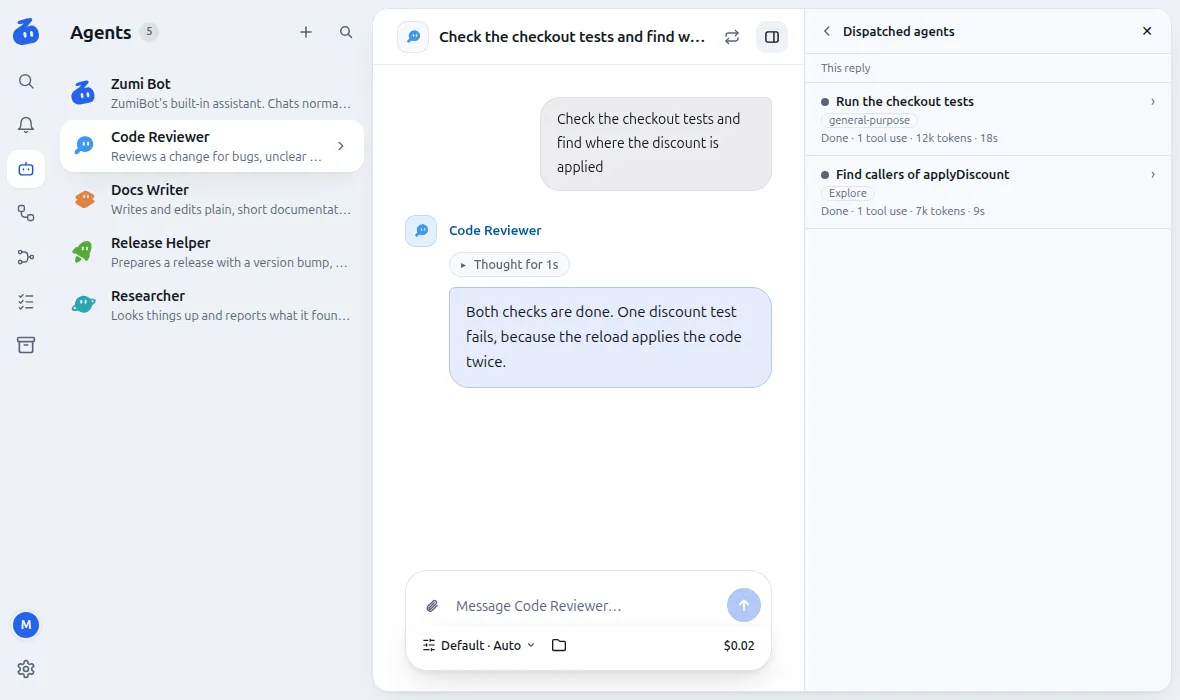
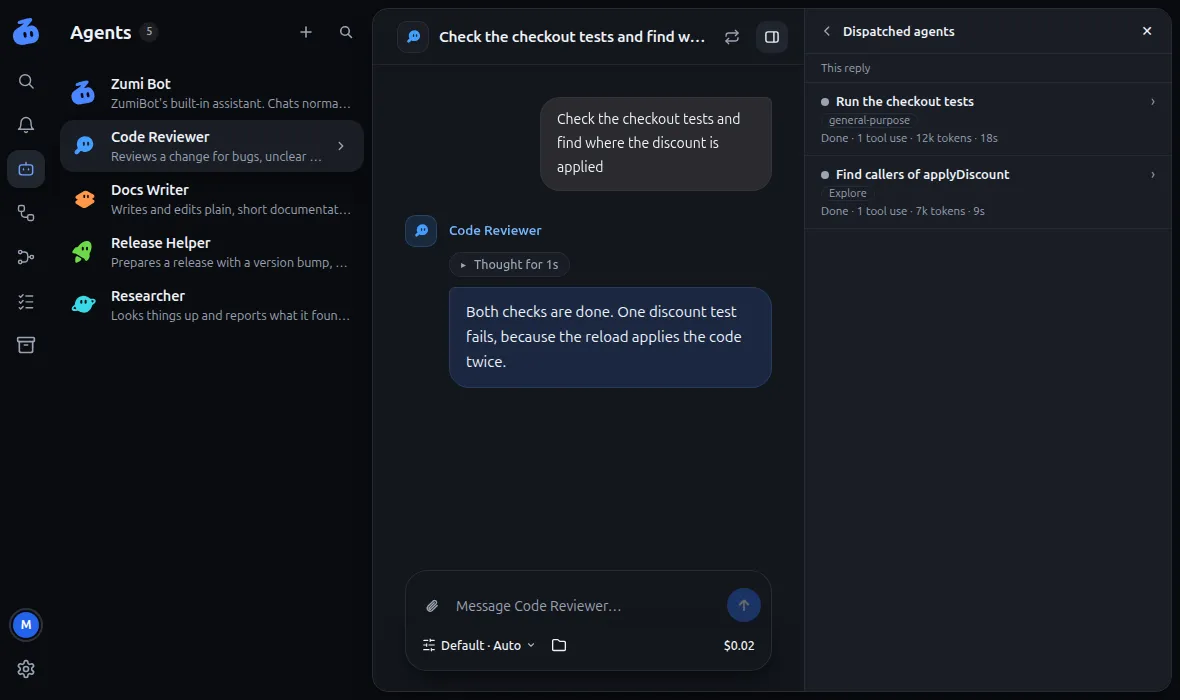
You can also start from the chat. Open the reply’s steps, the row that reads “Thought for” and a time, or the tool steps. Each Agent step has Watch › while the subagent runs and View › once it has ended. Choosing it opens that subagent in the panel.
One agent’s conversation
Section titled “One agent’s conversation”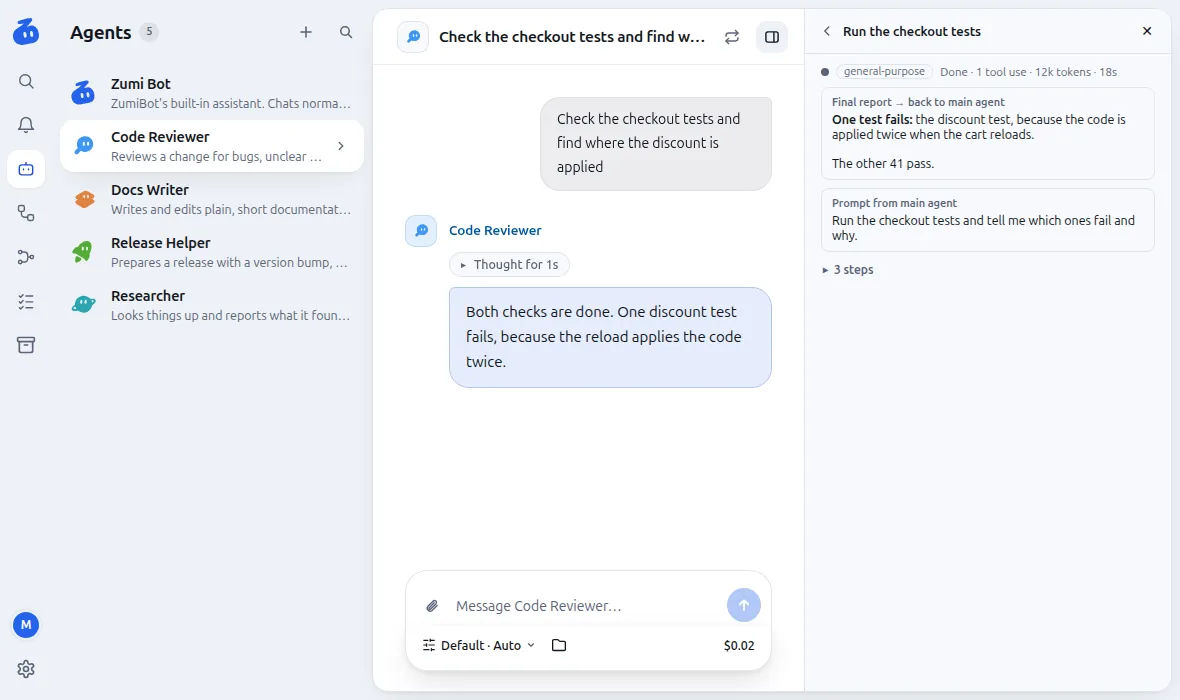
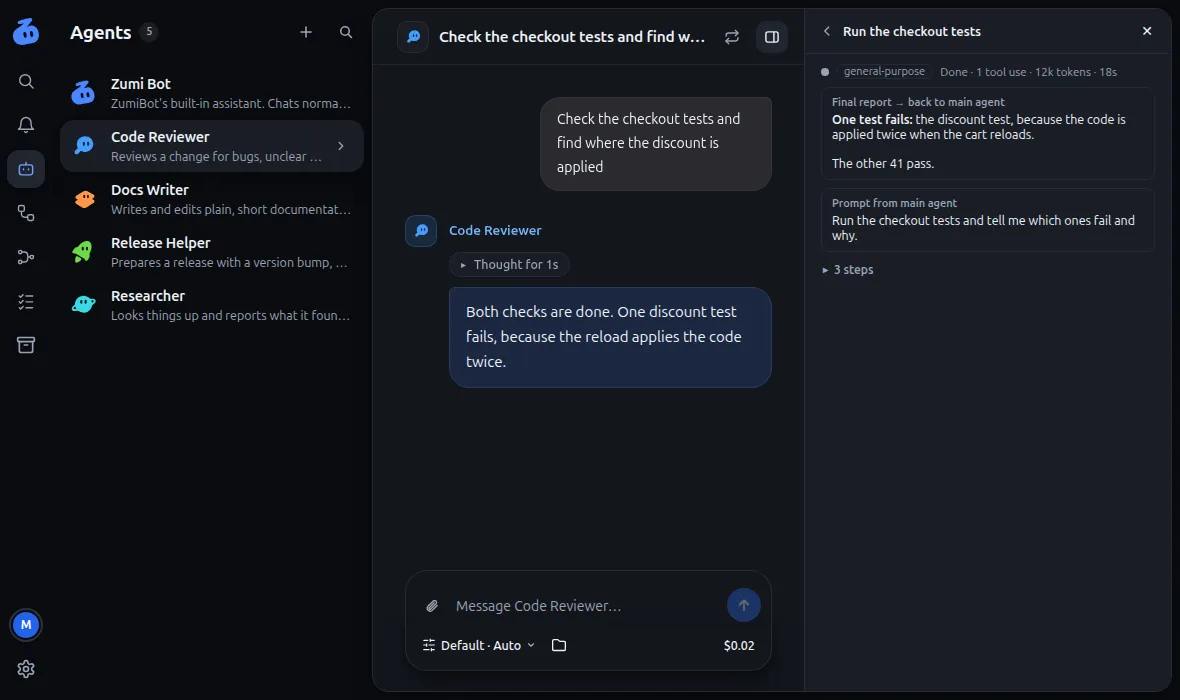
Once an agent has ended, its final report comes first. That is the text it handed back to the agent that sent it. Under it:
- The prompt it was given. For a helper of a helper, the heading names the agent that sent it.
- The steps it took, folded under a line such as “3 steps”. Open it to see the agent’s own text and each tool call, with its input and result, like the tool rows in a chat. Helpers it started show as rows you can open.
While an agent works, its steps stay open and a line at the bottom reads “working…” or what it is doing now, such as “Running git diff…”. The panel follows the newest step unless you scroll up.
Long text is cut short with Show all, and Show less folds it again.
When an agent needs you
Section titled “When an agent needs you”If a subagent wants to run a command that needs approval, the approval card appears in the chat, as always. In the panel, its row says “Waiting for your approval”, and its page says “Waiting for your approval in the chat”.
Tips and limits
Section titled “Tips and limits”- The panel shows the subagents your agents start. An empty panel reads “No dispatched agents yet. When an agent hands work to a subagent, you can watch it here.”
- The list is saved with the chat and kept for the 200 newest subagents. A very long run keeps its first 50 steps and its newest ones, and says “N steps in the middle were not kept”.
- If the app restarts while a reply is running, the subagents of that reply are lost. A subagent that was still running when its reply ended shows as Stopped or Interrupted.
- A fork or a cloned room starts without the old chat’s subagents.
- The first prompt of a subagent that runs on a different tool than Claude Code may be missing.
- If the panel cannot load, it says “Couldn’t load dispatched agents.” and offers Retry.