
Pause and Resume
Stop ends a reply right now, even in the middle of a job. Pause is gentler. The agent finishes what it is doing, starts nothing new, tells you where it got to, and waits. When you are ready, Resume continues the same conversation.
Use it when you need the computer for a while, when you want to look at what the agent has done so far, or when you want to change the plan before it goes further.
Pause a reply
Section titled “Pause a reply”-
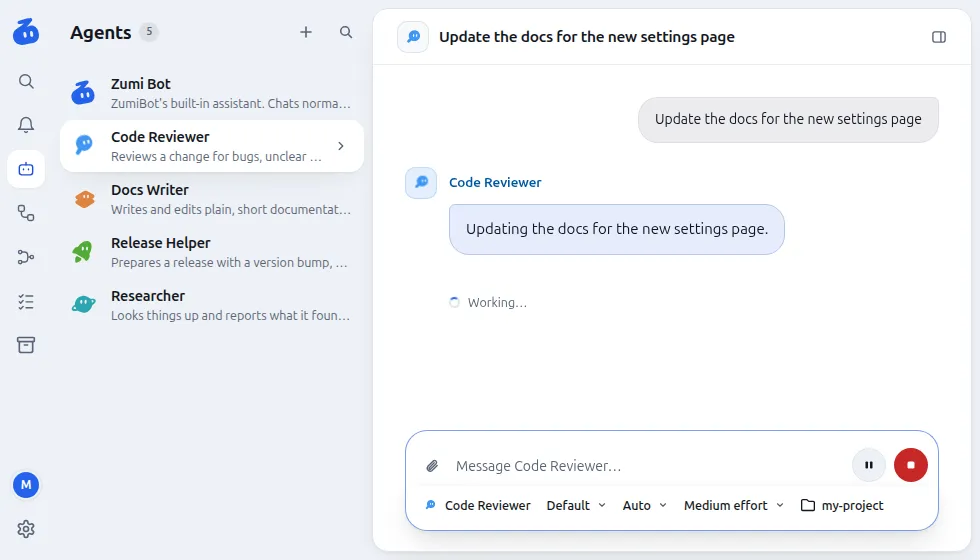
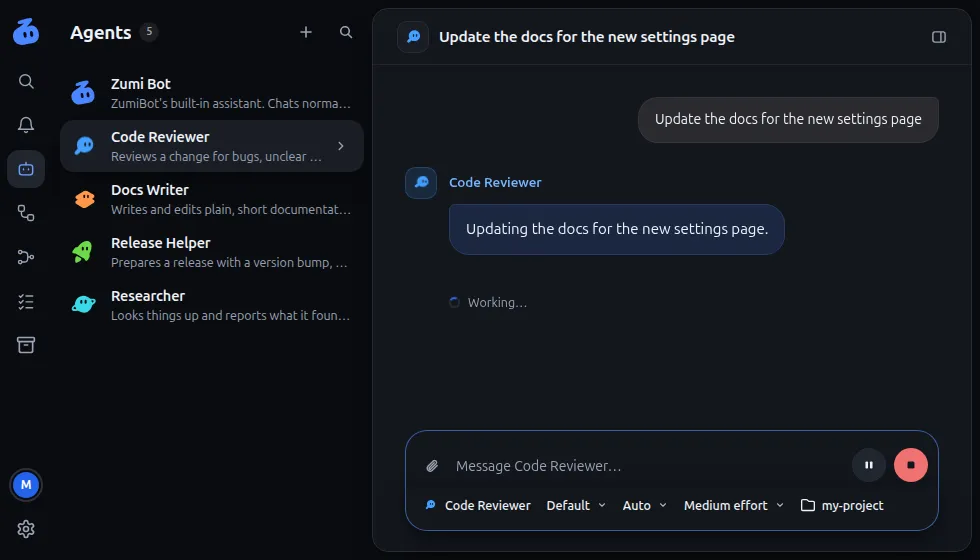
Choose Pause while the agent is working. It is the round button with two bars, beside the red Stop button in the message box.
-
Wait for it to settle. A line over the message box reads “Pausing…”. If the agent has subagents (helpers it started) running, it reads “Pausing — waiting for 2 subagents” and counts them down. Calls already running are never cut off.
-
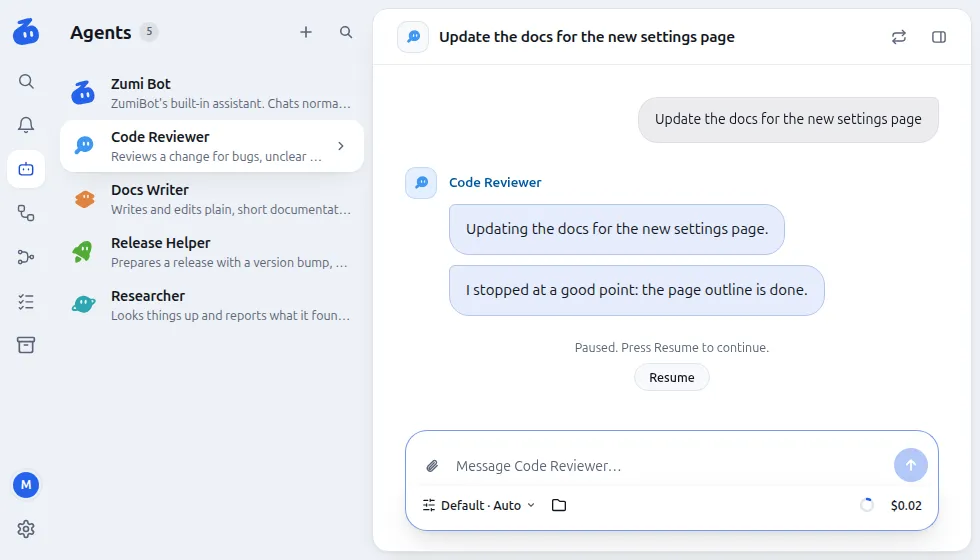
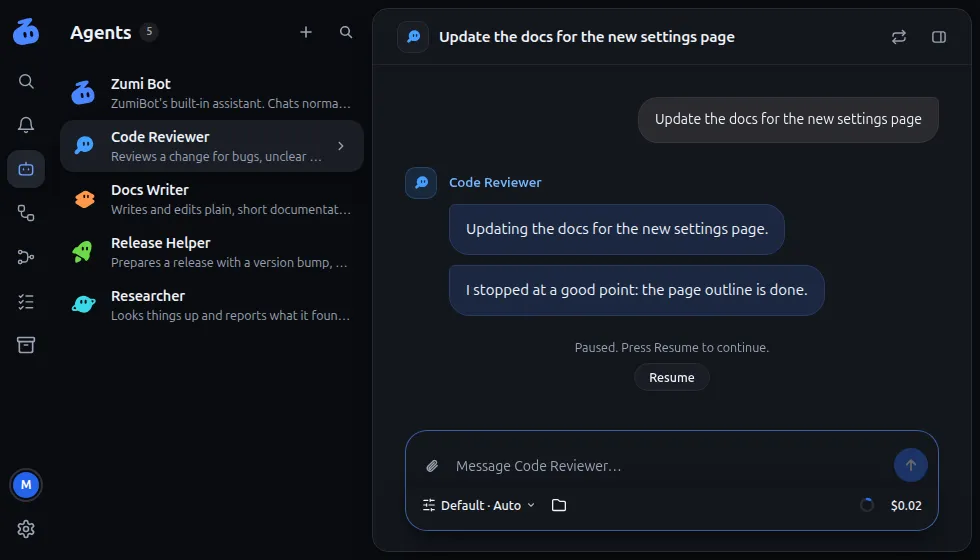
Read where it stopped. The chat ends with the agent’s note on its progress and a line that reads “Paused. Press Resume to continue.”
Resume
Section titled “Resume”Choose Resume under the “Paused” line. ZumiBot sends the agent the word “Continue” in the same conversation. It keeps everything it learned, including what its helpers found, and carries on.
Messages while it is paused
Section titled “Messages while it is paused”- If you write while the agent is still pausing, the message waits in the Tasks list above the box. It goes in after Resume.
- If the chat is already paused and you write a message, that message takes over. It goes in at once, and the pause ends. The same goes for Send now on a waiting message, for Edit, Resend and for switching versions.
In a group room
Section titled “In a group room”Pause lets the members who are working finish, and starts nobody else. The room remembers who was working and who was waiting. Resume then sends “Continue” to each member who was working, as a message with their @name, and the waiting turns follow. A message you type in the room clears that.
Tips and limits
Section titled “Tips and limits”- Pause is not instant. A long tool call, or a subagent (a helper the agent started) that is mid-job, runs to its end first. Use Stop if you need it to end now.
- If the agent keeps trying to start new work while paused, ZumiBot ends the reply after a few tries, so a pause cannot hang.
- A usage limit that ends a pausing reply leaves the chat paused. Only Resume continues it, not the reset. See Usage limit waits.
- A pause survives a restart of ZumiBot. The chat comes back paused, with the Resume button.
- A routine run that you pause waits for Resume too.
- Pause is not shown while the agent compacts, or in a chat where another agent asked this one a question. Some agents, namely ACP and remote agents, cannot pause. Then the button is left out.