
Usage limit waits
Claude plans have a usage limit that resets on a schedule. When a reply runs into it, the work stops. ZumiBot does not leave the chat stuck: it tells you when the limit resets and continues by itself.
What you see
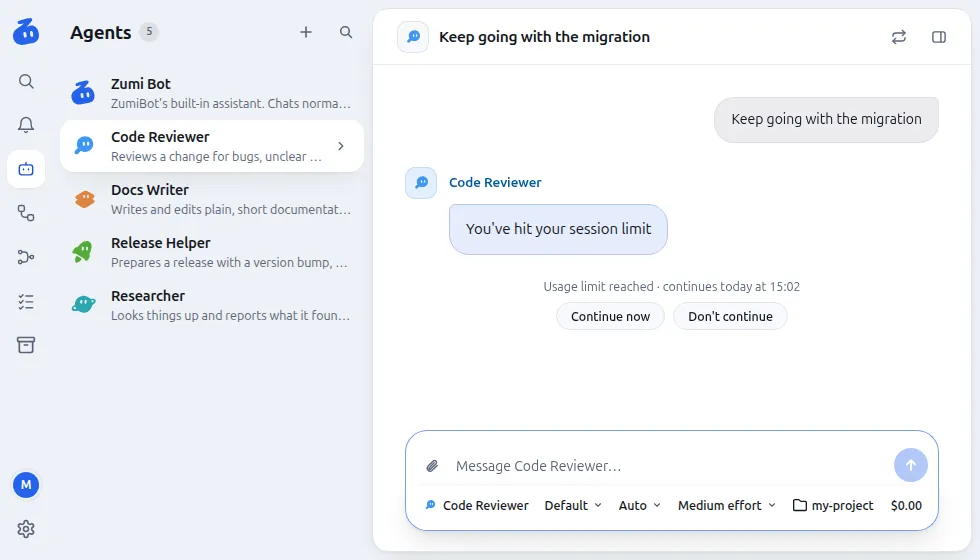
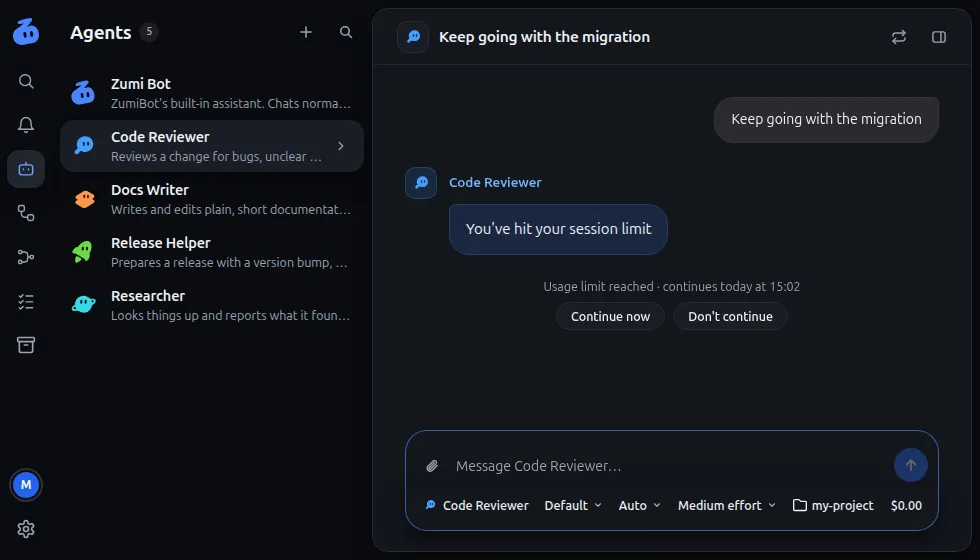
Section titled “What you see”When the limit stops a reply, the chat shows a line instead of a red error:
Usage limit reached · continues today at 22:21
The time is in your own time zone. Two buttons sit under it:
- Continue now sends the continue right away, in case the limit is already lifted.
- Don’t continue cancels the wait. Nothing is sent by itself.
In a group room, the line names the member the limit stopped, such as “Researcher reached the usage limit”.
What happens by itself
Section titled “What happens by itself”About a minute after the reset, ZumiBot sends the message “continue” to the agent in the same chat, so it picks the job up where it left off. In a room, each member the limit stopped gets its own “@name continue”.
ZumiBot has to be running at that time. If you restart it in the meantime, it sets the waits again, and one that is already due goes out at once.
Messages you queued
Section titled “Messages you queued”Messages you sent while the agent was busy wait in the Tasks list. They are not sent into the limit one after another. They go in after the continue, oldest first.
If you write a new message while the chat waits, it goes in straight away and the wait ends. Choosing Send now on a waiting message does the same.
When it does not continue by itself
Section titled “When it does not continue by itself”Some stops cannot be waited out. The line then reads “Usage limit reached · resets today at 22:21”, or just “Usage limit reached”:
- ZumiBot does not know when the limit resets.
- Another error came with the limit.
- It already continued 5 times in a row and hit the limit again each time.
Nothing is sent, and your waiting messages are held in Tasks. When you are ready, send a message yourself, or choose Send now on a held one.
Tips and limits
Section titled “Tips and limits”- Don’t continue also holds your waiting messages. Choose Send now on one to send it.
- A paused chat does not wait. A limit that ends a pausing reply leaves the chat paused, and only Resume continues it. See Pause and Resume.
- Any message of yours, an edit, a resend or a version switch ends a wait.
- A Compact that the limit stopped does not start a wait.
- A chat in which another agent asked this one a question hands the limit back to that agent as the answer, so it does not wait.