
Export a chat
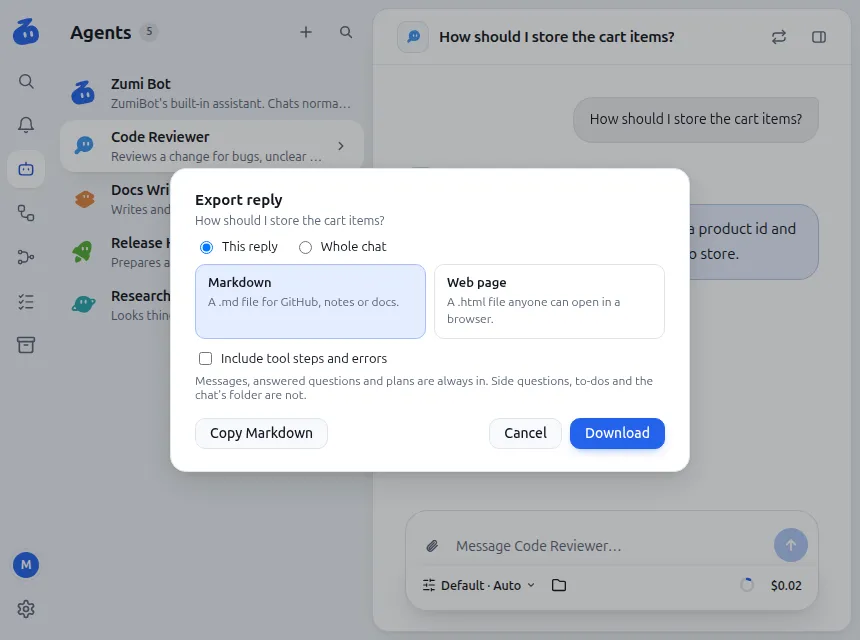
Export turns a chat, or just one reply, into a file you can keep, share or paste somewhere else. You choose Markdown (a plain text file that notes apps, docs and GitHub understand) or a web page that anyone can open in a browser.
Export a whole chat
Section titled “Export a whole chat”-
Right-click the chat in the left column (or press and hold on a phone) and choose Export…. It is in the same menu for group rooms, and in the Archived list.
-
Choose a format. Markdown saves a .md file. Web page saves a .html file.
-
Choose Download, or Copy Markdown to copy it to your clipboard instead.
Export one reply
Section titled “Export one reply”Point at an agent’s reply and choose Export reply. The dialog opens with This reply selected. Choose Whole chat to export everything instead. The rest is the same as above.
What goes in
Section titled “What goes in”Always included:
- Your messages, with the names of any files you attached. The files themselves are not included.
- The agent’s replies. In a group room, each reply shows who wrote it.
- Questions the agent asked that you answered, with your answers, and plans the agent proposed.
Included only when you tick Include tool steps and errors (off by default):
- One line for each tool step, such as a command the agent ran.
- Errors, and questions the agent asked that were never answered.
Never included: notices, approval cards, side questions, to-dos, the agent’s thinking, other versions of an edited message, and the chat’s folder.
The whole history is exported, even the older messages you have not scrolled to. Times are written as 2026-11-20 14:05, in your time zone.
The two formats
Section titled “The two formats”Markdown has a title, then each message under the name of who wrote it and the time, with a line between speakers. Tool steps, when you include them, are a quoted list.
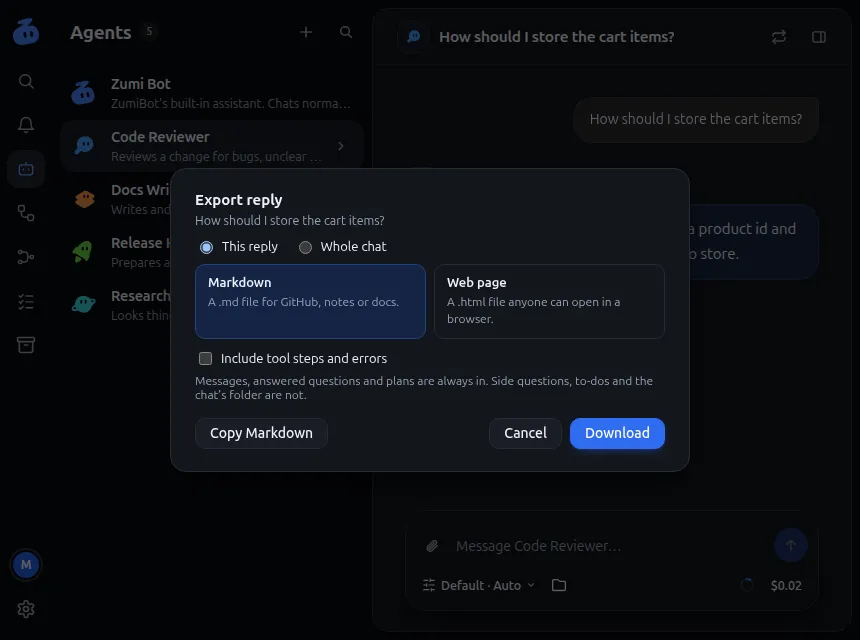
Web page is one self-contained file. It follows light or dark mode, loads nothing from the internet, and has no scripts. Formulas show as their source text and diagrams as code. Pictures show only when they come from a secure web address.
The file is named after the chat. A single reply gets “ (reply)” added to its name.
Tips and limits
Section titled “Tips and limits”- Copy Markdown always copies Markdown, even if Web page is selected. It pastes well into chats, issues and docs.
- If something goes wrong, the dialog says “Export failed. Try again.” or, when your browser will not let ZumiBot copy, “Could not copy. Download it instead.”
- A reply you export is that agent’s run of messages, up to the next person to speak.
- To keep a copy that you can continue in ZumiBot, use Fork instead.