
Thinking
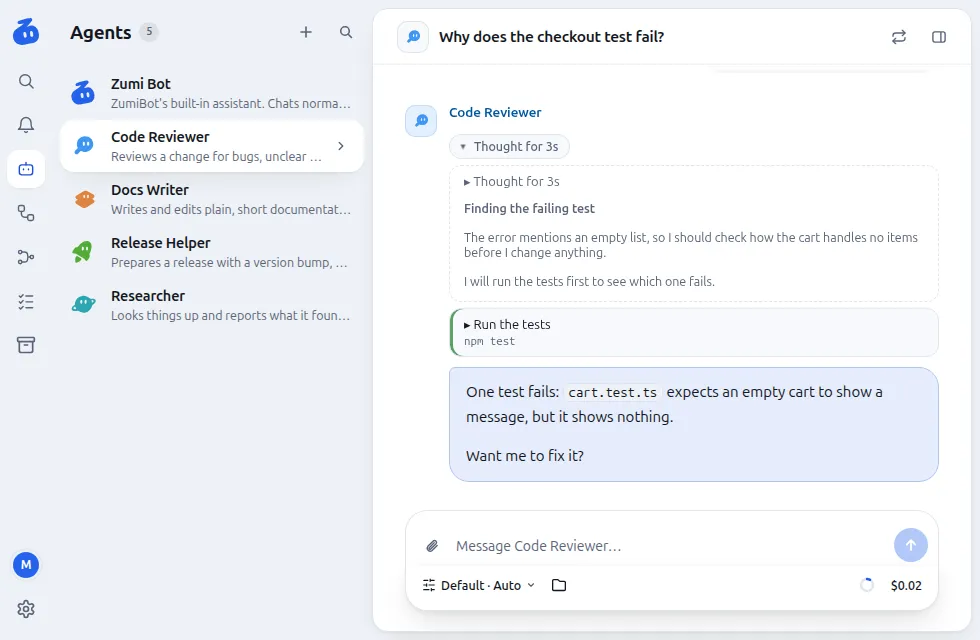
Before an agent answers, it often thinks. ZumiBot shows a short summary of that thinking, so you can see what the agent is working on and why it took the steps it did. You do not turn anything on. The summaries show up on their own.
While the agent is thinking
Section titled “While the agent is thinking”While a reply runs, the row for the agent’s work reads Thinking… with a small spinner. Next to it, ZumiBot shows the latest line of the thought, so you can follow along. The line under the reply reads “Thinking…” too, instead of “Working…”.
Read a thought afterward
Section titled “Read a thought afterward”-
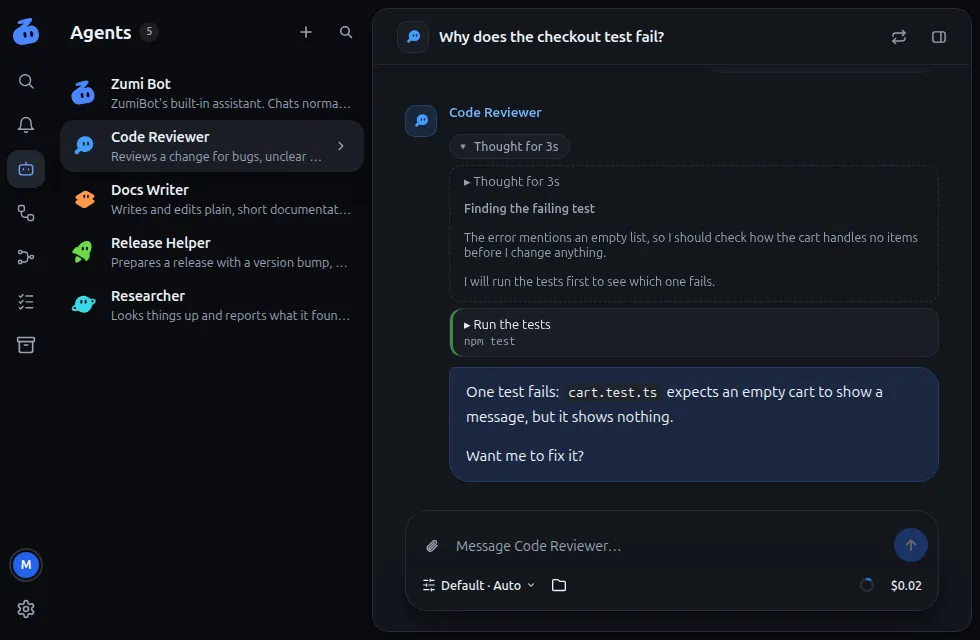
Find the row that reads “Thought for” and a time, such as “Thought for 3s”. It sits above the agent’s answer and groups the agent’s thinking and tool steps in one place.
-
Choose the row to open it. Each thought inside is a line that reads “Thought for” and a time, with its first paragraph dimmed beside it. The tool steps the agent took, such as a command it ran, are listed between the thoughts.
-
Choose a thought to read all of it. It opens as the full summary, written the same way as a reply, with bold titles and short paragraphs.
If a thought has no time (ZumiBot did not see both its start and its end), the row reads just “Thought”.
Tips and limits
Section titled “Tips and limits”- What you read is a summary the model writes about its thinking, not every word of it. It is often a bold title and a paragraph or two.
- The summary costs nothing extra. Thinking is billed the same whether or not you see it.
- If you press Stop while the agent is thinking, that thought is not kept.
- A reply with no thinking has no “Thought for” row. A reply with only tool steps still groups them in the same kind of row.
- If the Claude Code on your computer or server is too old to share summaries, your chats show no thoughts. Everything else works as before. Update Claude Code to get them.
- Thoughts are not part of search or Export.