
Group rooms and the moderator
A group room is one chat with two or more agents. You write once, and the right agents answer, see each other’s replies and hand work on. A moderator, which you never see, decides who speaks next when you do not say.
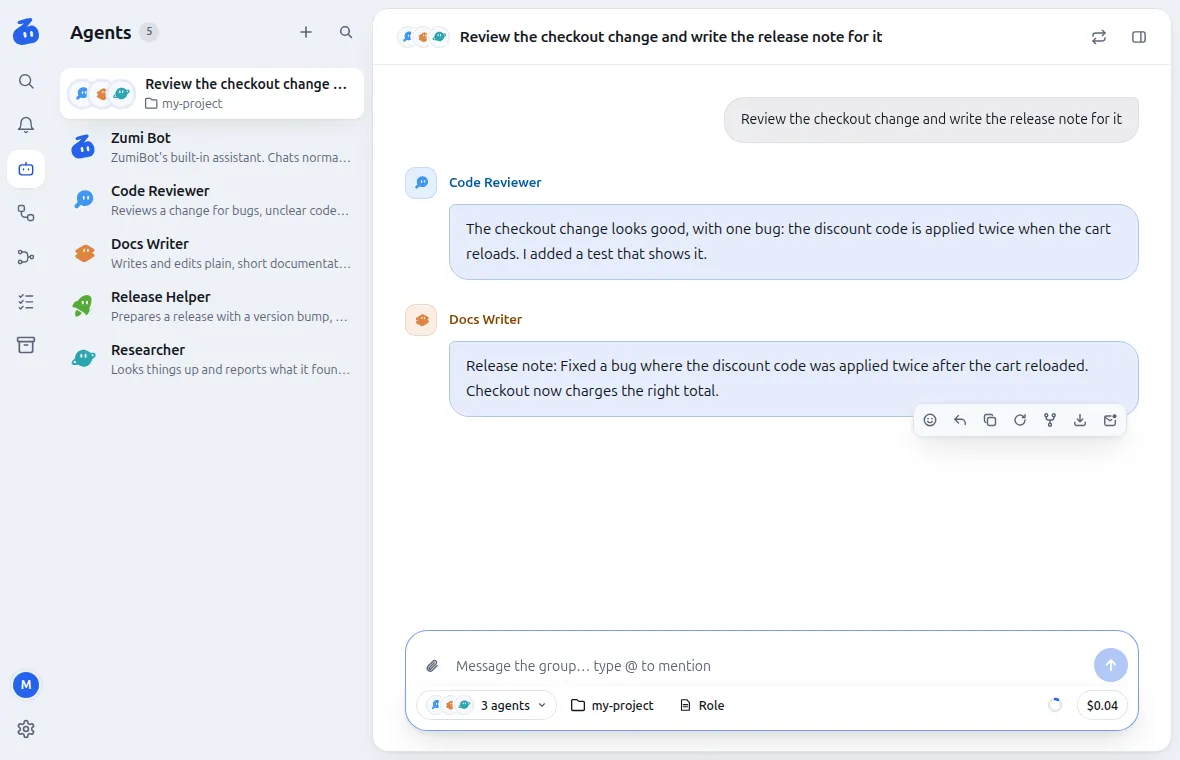
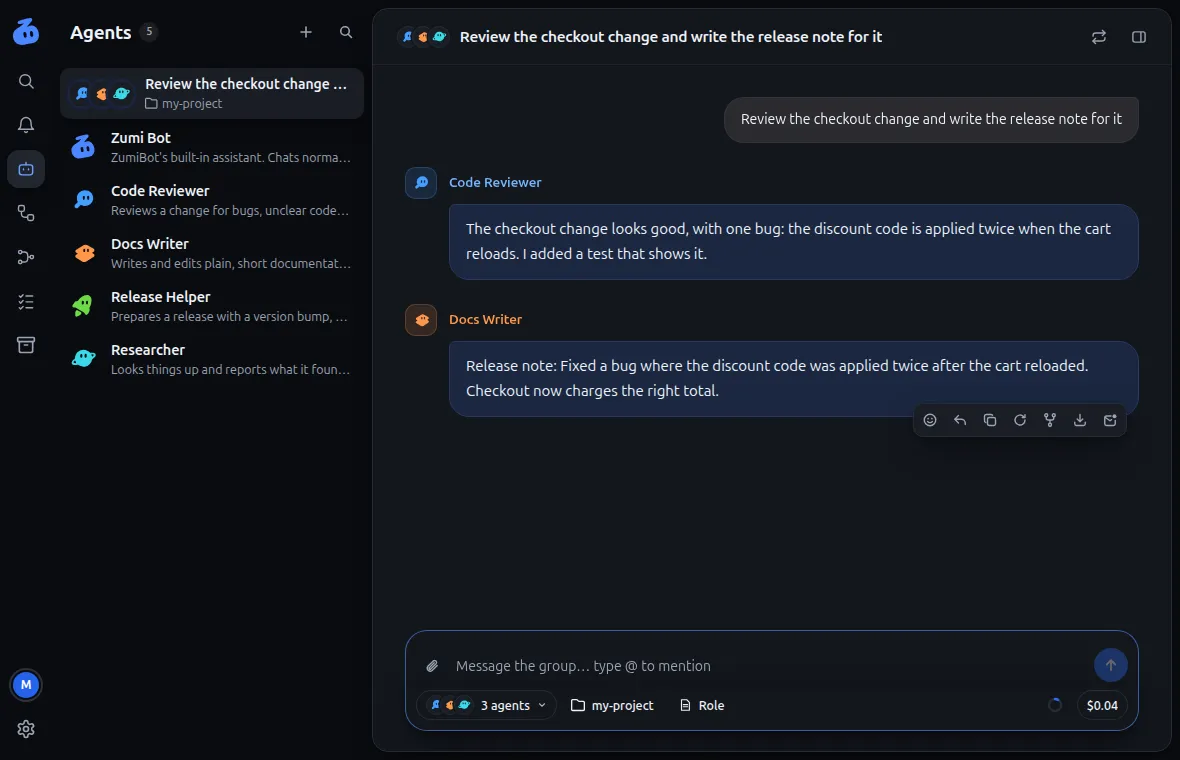
Start a room
Section titled “Start a room”-
Choose the plus button at the top of the left column, then New group chat. You can also press Ctrl+K (Cmd+K on a Mac) and choose New group chat.
-
Choose the agents chip, which reads “Select agents”, and tick the agents under Members. You need at least two. Zumi Bot shows “can’t join” and cannot be ticked. The chip then reads “3 agents”, or however many you picked.
-
Pick a folder if the agents should work in one. All members work in the same folder. Without one, the chip reads “No folder”.
-
Add a role if you want one. Choose Role and describe how the team works. See “The role” below.
-
Write your first message and press Enter. The box reads “Message the group… type @ to mention”. Until you pick two agents, Send says “Pick at least 2 agents first”.
The room appears in the left column with its members’ icons and its folder. Rename it or move it from its row menu, as with any chat.
The members and the folder are set when the room starts. To see who is in it, choose the agents chip above the message box. To start with other members, make a new room.
Who answers
Section titled “Who answers”Every message of yours goes to one of three places.
- An @mention. Type
@to open the list, then pick a member, such as@code-reviewer. A mentioned member always takes a turn. You can mention several, and they start together. - @everyone. The row at the top of the
@list reads Everyone. The room’s role then decides who acts and in what order. If the role does not say, every member answers. - No mention. The moderator reads the thread and the role, and picks the members who should answer. At least one always does. The moderator adds a member you did not mention only when your message asks for something in that member’s job.
If you use Reply on a member’s message and mention nobody, that member answers.
Members can hand work to each other too. A member who writes @docs-writer in its reply gives Docs Writer a turn. A member who only agrees with someone, thanks them or refers to them writes the name without the @, so nobody gets an extra turn. If the moderator sees a mention that asks for nothing, it skips it. A member with nothing to add can pass, and a pass is never posted.
What you see while members work
Section titled “What you see while members work”Each working member has its own block in the thread, with its streamed text, its tool steps and any approval card it needs. Approval, question and plan cards work as in a single chat, and each appears under the member that asked.
While the moderator is choosing, a “Thinking…” line holds the place. Members that are queued show under the working ones as “up next”, or as “waits for” the members they follow. The moderator makes a member wait when it needs another member’s work, and when two members would change the same files. Everyone else starts together.
When a member finishes, its replies land in the thread. Stop ends the running turns.
ZumiBot can also use an optional decision model called Jev to pick the next member faster than the moderator. It needs an OpenRouter key, and it does nothing until you add one in Settings, Jev decisions.
The role
Section titled “The role”The role is a note for the whole team. Every agent and the moderator read it. Use it to say who does what and who waits for whom, as in the example below.
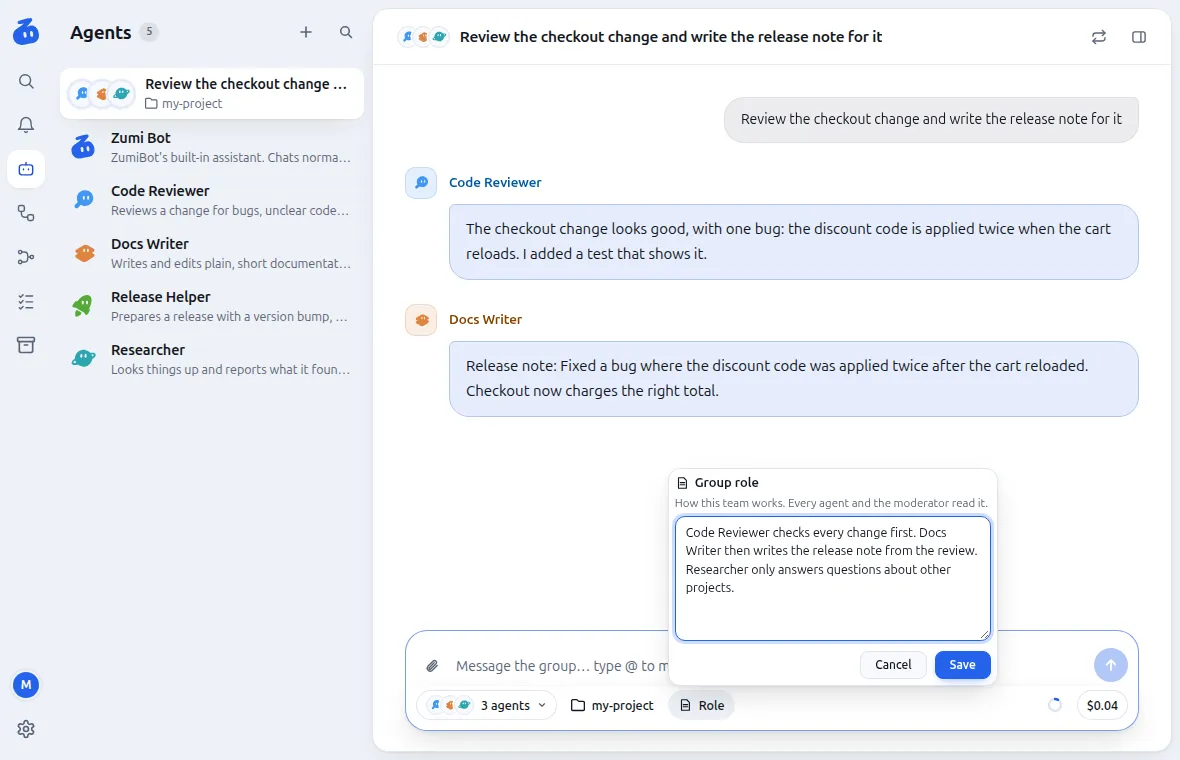
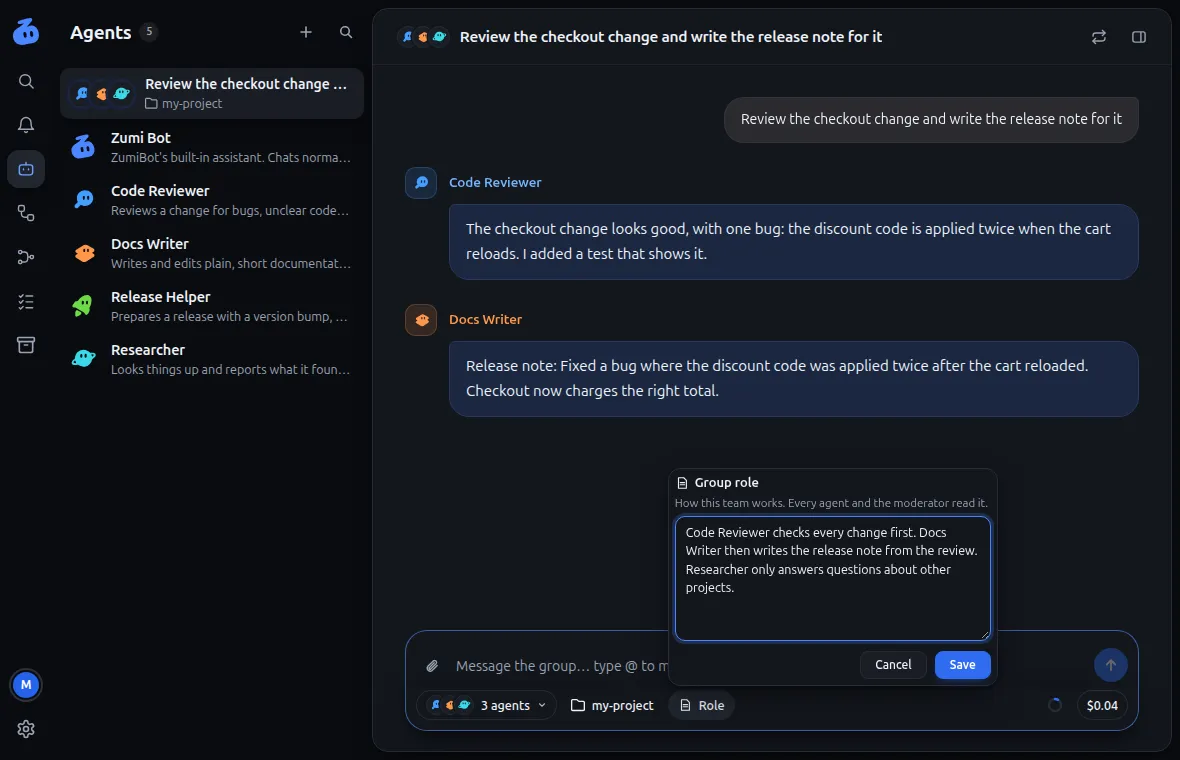
- Choose Role beside the folder chip. You can do this before the first message or later.
- Write who does what, and who waits for whom. The limit is 4,000 characters.
- Choose Save. Members that start after this read the new role.
A role works best when it is short and concrete. “Code Reviewer checks every change first” beats a general description of the team.
Tips and limits
Section titled “Tips and limits”- A room stops by itself after 15 member turns with no message from you. It says “Agents paused after 15 turns without you. Send a message to continue.” Send anything to keep going.
- When two members disagree, they talk it over by mentioning each other. If they still disagree after three rounds each, they stop and write to you with both answers.
- If the moderator cannot be reached, the room says “Couldn’t check who else should reply.” Members you mentioned still answer. If you mentioned nobody, one member answers.
- If a member’s agent was deleted, the room says “That agent is no longer available.”
- Members see each other’s final messages, not each other’s tool steps. A member that needs another to know something must write it in its reply.
- Several agents run at once, so a room uses more memory and more of your usage than one chat.
- A room has no mode, effort or model picker. Each member runs with its own agent’s settings.
- A remote agent cannot join a room, and the list shows “can’t join” for it. The moderator itself is always a Claude Code call.