
What is ZumiBot
ZumiBot is a chat app for your Claude Code agents. You pick an agent, pick a folder, and talk to it. You can also put several agents in one group room and let a moderator choose who answers next.
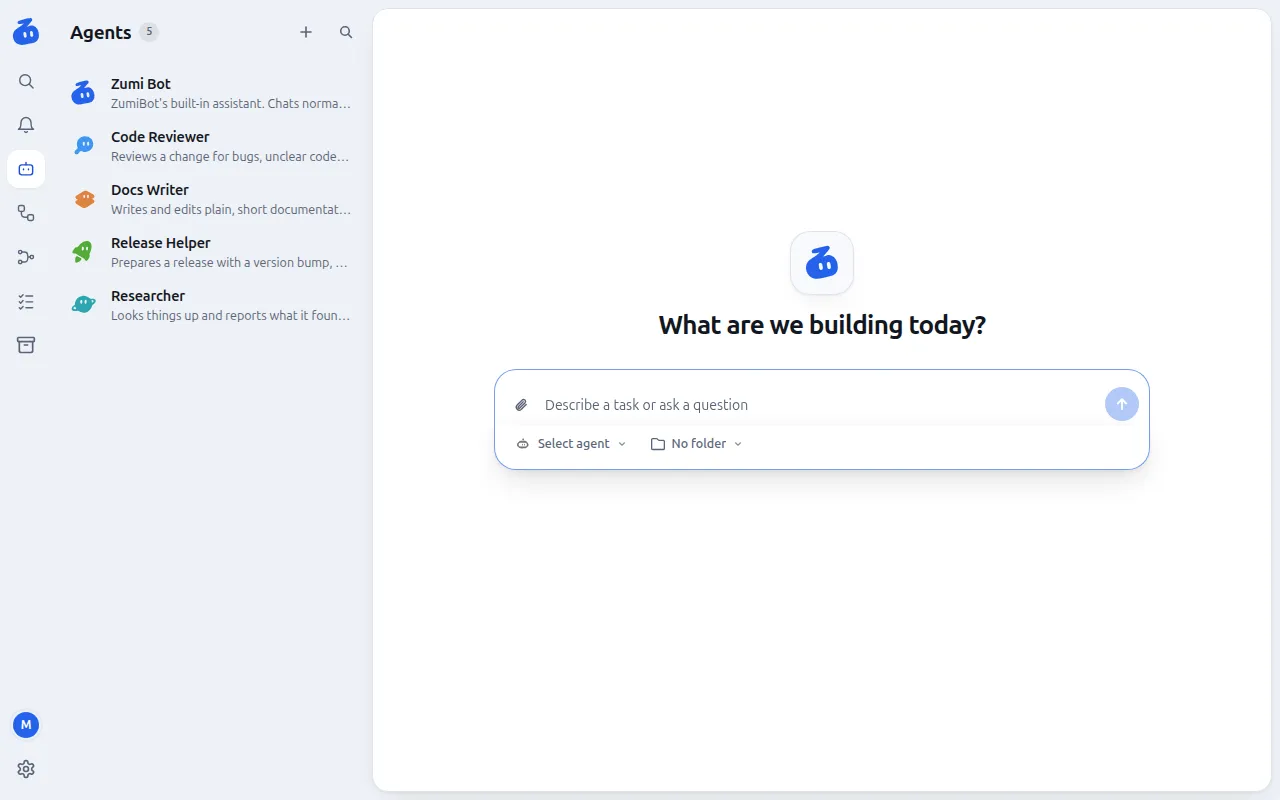
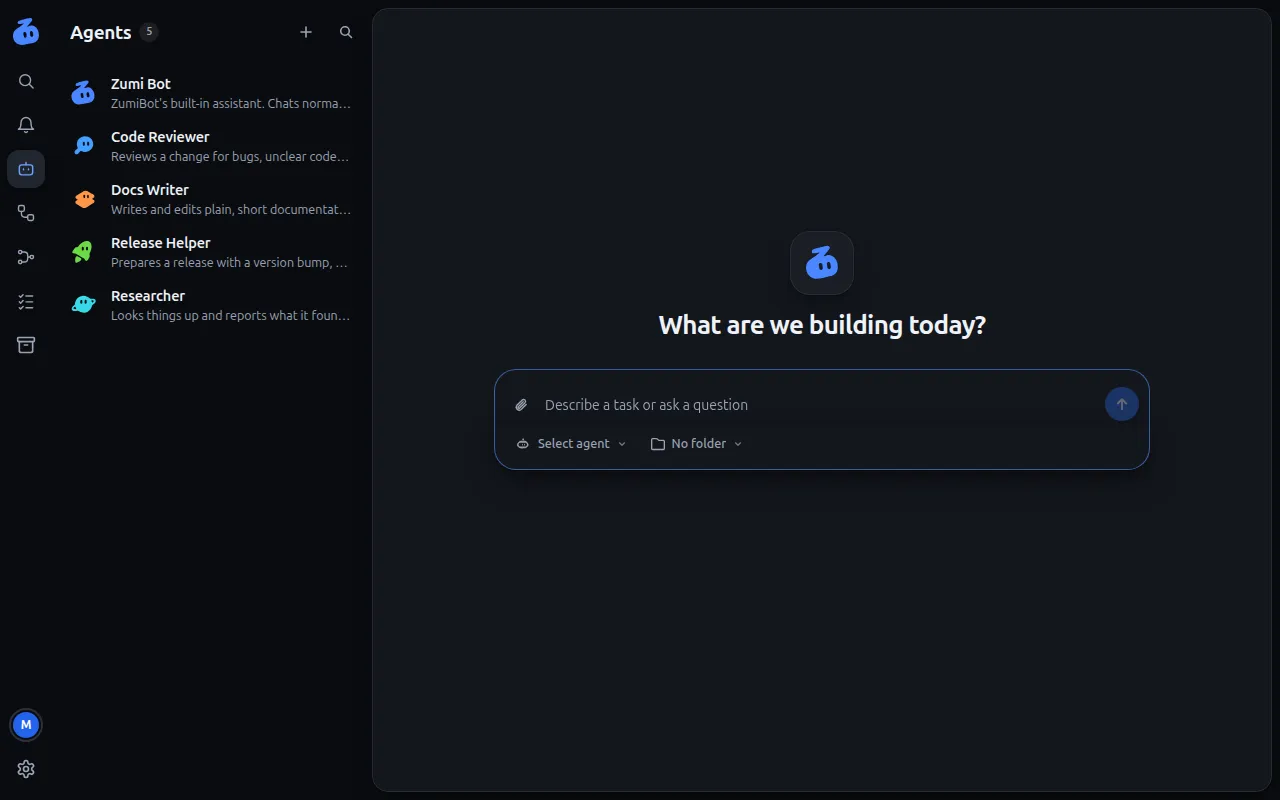
ZumiBot does not host anything for you. You run your own copy, so your chats, agents and keys stay on a machine you control.
ZumiBot is free. You may use it, change it and share it; the one thing its license rules out is selling it. If it saves you time, you can sponsor it.
How it works
Section titled “How it works”ZumiBot does not replace Claude Code. It runs the claude command for each reply, using the agents you already keep in ~/.claude/agents. Each approval, question and plan that Claude Code asks for shows up in the chat as a card you can answer.
So the machine where ZumiBot runs needs Claude Code, installed and signed in. The agents you chat with are the ones in that folder.
What ZumiBot adds
Section titled “What ZumiBot adds”Because each reply is a real Claude Code run, your agents keep the tools, skills, MCP servers, plugins and hooks already in your workflow. ZumiBot adds what a single terminal session does not have: agents that work together, and one place to manage them all.
- Agents talk to each other. Put several agents in a group room, or let one agent ask another for help in the middle of a reply.
- Agents share what they know. Every to-do lands on one task board, and each agent sees what the others changed there. A cloned room can start from a summary of the old one.
- You manage them in one place. Make and tune agents in Agent Studio, or ask Zumi Bot to set them up for you. Turn servers, plugins, skills and hooks on or off for each agent.
Where ZumiBot runs
Section titled “Where ZumiBot runs”The app is always a server plus a window onto it. You choose where the server lives. On first start the desktop app asks, under “Connect to a server”:
- Local (Local mode) runs the server on your computer, inside the desktop app. Your chats stay on that computer, and agents work only while it is on.
- VPS connects to a ZumiBot server you host somewhere else. Agents keep working when your computer is off, and you can open the same chats from any browser or from your phone.
Either way, the screens and features are the same.
| Local mode | Server | |
|---|---|---|
| Where the agents run | Your computer | The host you set up |
| How you open it | The desktop app | A browser, your phone, or the desktop app |
| While your computer is off | Agents stop | Agents keep going |
| On Windows | Yes | Yes, through the desktop app or a browser |
Tips and limits
Section titled “Tips and limits”- Local mode and a server are separate. Each has its own chats, agents, settings and sign-ins. Nothing moves between them unless you sync.
- On Windows, Local mode runs the server directly on your computer. Run ZumiBot on your computer shows how to set it up.
- You can open the server list any time with Ctrl+Shift+S, or with “Switch server…” in Settings, and keep several servers open in one window.
- ZumiBot listens only on its own machine. A server is reached through a proxy that adds HTTPS, and the install steps cover that.
Related
Section titled “Related”- What you need: Claude Code, agents and supported systems.
- Local mode and server mode: what changes between the two, and how to switch.
- Install the desktop app
- Install on a server
- First-run setup
- Your first chat
- Use it on your phone
- Group rooms and the moderator